

 (647) 478-5858
 (728) 500-4818
Beauty Clinic · Website Chatbot + Automated Booking
Your Clinic Books Itself After Hours
Booking treatments while the clinic sleeps
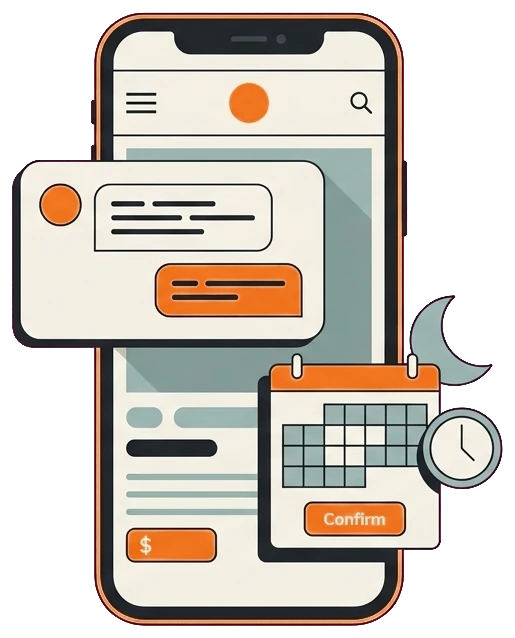
A medical aesthetics clinic was getting plenty of evening website visitors who wanted to book, but all they found was a contact form and no answers. We added a chatbot that answers instantly and books consultations on the spot, so after-hours browsers turned into booked appointments.
Results at a glance:
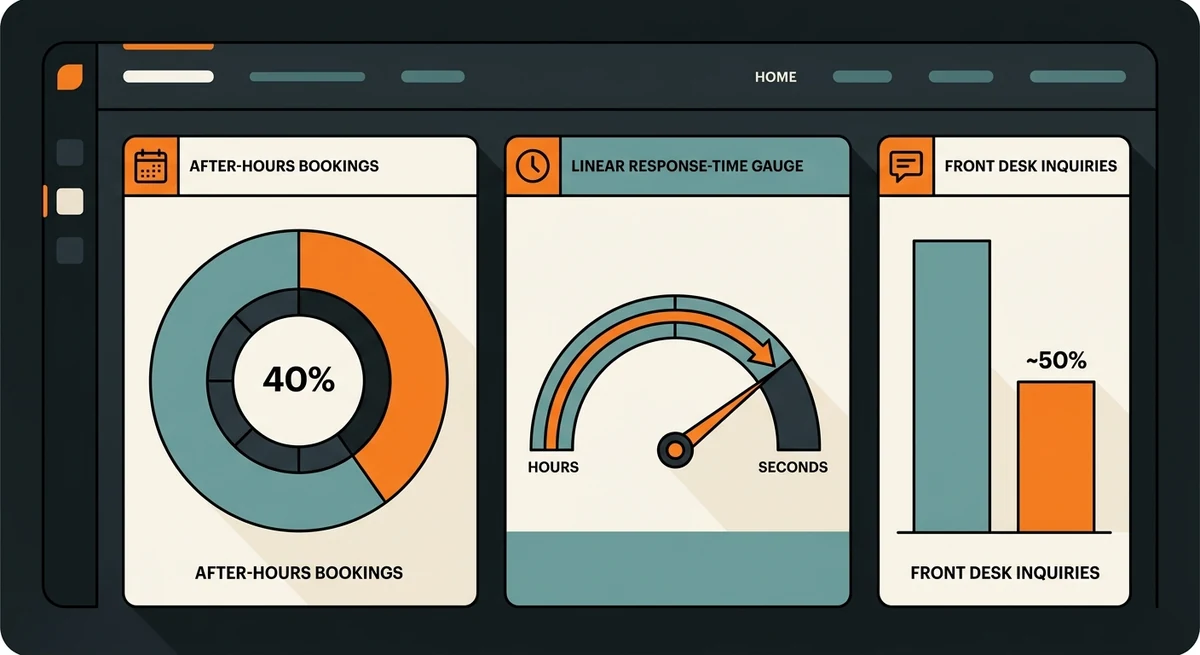
- After-hours bookings now around 40% of total
- Response time cut from hours to seconds
- Front-desk inquiries down 50%
- Live in 2 to 4 weeks
The Challenge
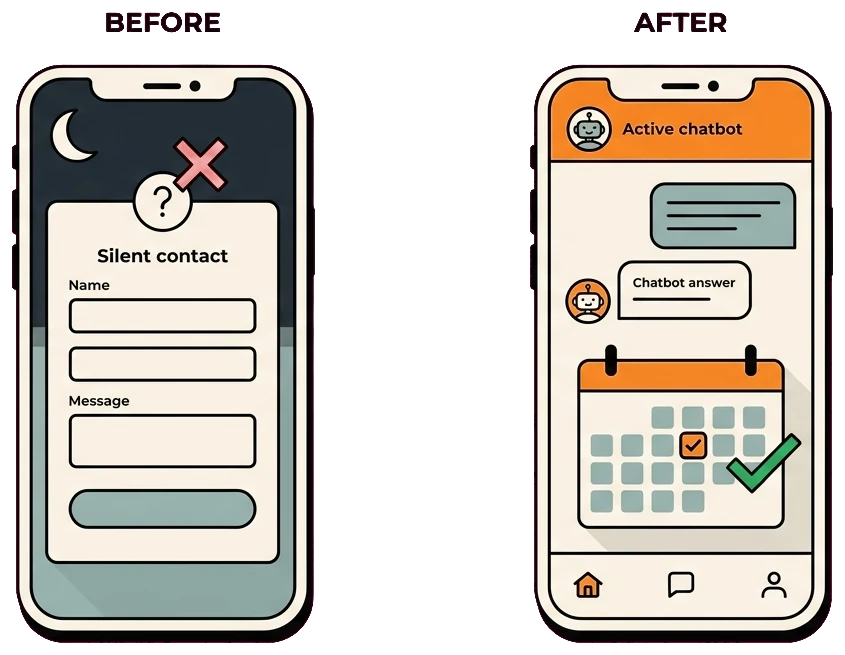
Most of the browsing happened after the clinic closed for the day. Visitors showed up in the evening with real questions about treatments and pricing, found no way to get answers, and simply did not come back. During the day, the front desk could not keep up with the inquiries that did land, so good leads went cold either way.
The site was quietly turning interested visitors away for a few clear reasons:
- Most browsing happened after closing, with no one to respond
- Visitors had treatment and pricing questions and got no answers
- There was no way to book a consultation after hours
- The only option was a contact form that felt like shouting into the void
- The front desk could not keep up with daytime inquiries
- Interested visitors cooled off before anyone ever replied
The Solution
We built a website chatbot using clinic-approved, non-clinical information about services, pricing ranges, administration, and scheduling. It books eligible consultations and routes treatment-suitability or clinical questions to qualified staff.
- Fast answers from the clinic-approved information set
- Trained on the clinic’s real services and knowledge base
- Escalates complex questions to staff the next morning
- Available every evening and weekend the clinic is closed
- Books consultations straight into the clinic calendar
- Skips the silent contact form entirely
- Bookings and inquiries synced into the CRM
- Tuned continuously from real chat transcripts
Answer the questions before the visitor cools off
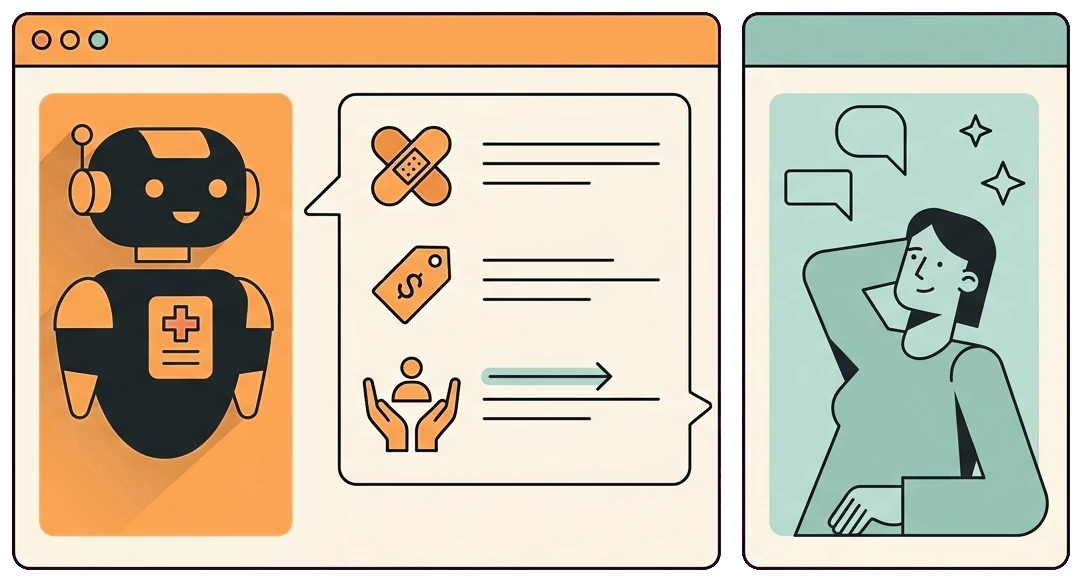
Evening visitors had specific questions about treatments, pricing ranges, and aftercare, and a silent contact form answered none of them. The chatbot responds the instant they ask, so interest turns into a booking instead of a closed tab.
- Approved service information: the chatbot explains general service and administrative details while leaving candidacy, diagnosis, and clinical advice to clinic staff.
- Pricing ranges up front: clear pricing ranges stop visitors from bouncing to compare, and set expectations before the consultation.
- Aftercare covered: common aftercare questions get answered on the spot, which builds confidence for someone weighing a treatment.
- Faster first response: routine replies arrived in seconds, while booking and clinical outcomes were measured separately from response speed.
From conversation to booked consultation
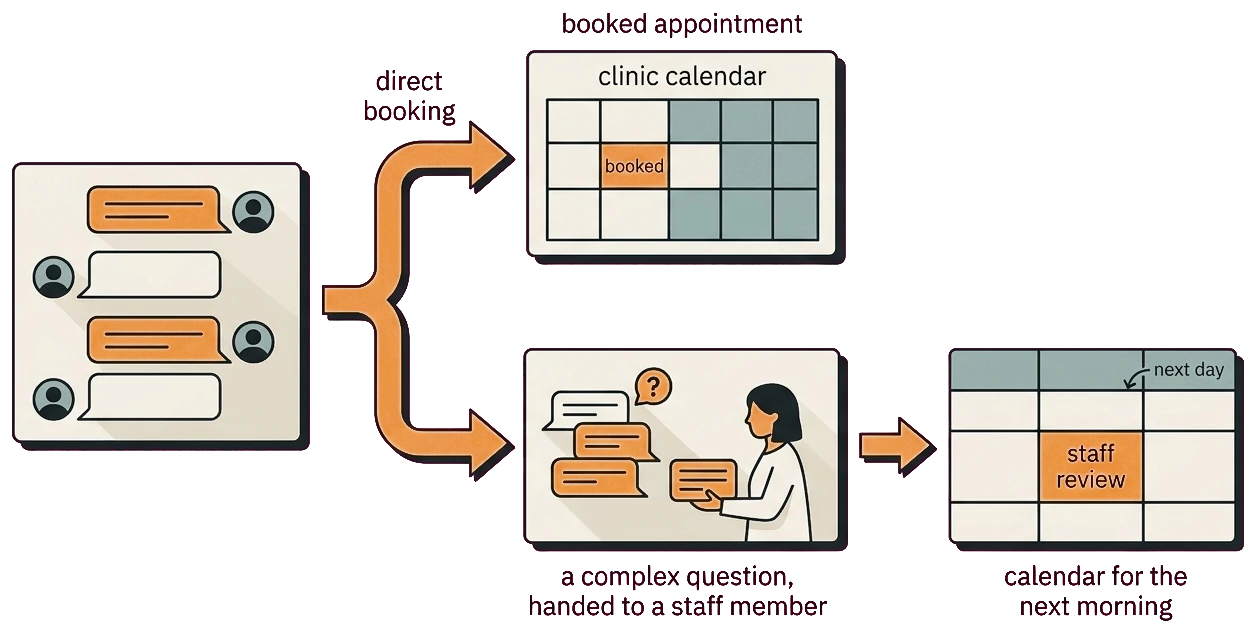
Answering questions is only useful if it leads somewhere. The chatbot turns a chat into a booked consultation right in the clinic calendar, so the visitor never has to wait for a callback, and it plugs into automated booking to make it seamless.
- Books on the spot: a visitor can pick a consultation slot inside the chat, so the moment of interest becomes a confirmed appointment.
- Straight into the calendar: bookings drop directly into the clinic calendar, so the front desk wakes up to a filled schedule, not a backlog.
- After-hours coverage: because it runs every evening and weekend, after-hours bookings grew to around 40 percent of the total.
- Smart escalation: anything too complex for the bot is handed to staff for the next morning, so nothing important falls through.
How We Did It
01. Knowledge base build
Gathered the clinic’s treatments, pricing ranges, and aftercare into a knowledge base for the chatbot to draw on.
02. Conversation design
Designed natural chat flows that answer real visitor questions and guide toward a booking.
03. Booking integration
Connected the chatbot to the clinic calendar so consultations book themselves into open slots.
04. Escalation rules
Set rules for handing complex questions to staff the next morning so nothing gets missed.
05. Tune from real chats
Reviewed real conversations and refined the bot’s answers and flows over time.
The Results
About 40% of recorded consultations were booked after hours, while routine front-desk inquiries fell about 50%. Those figures reflect the clinic’s configured information, calendar capacity, traffic, and reporting period; clinical decisions remained with staff.
| After-hours bookings | ~40% of total |
| Response time | Hours to seconds |
| Front-desk inquiries | -50% |
| Build time | 2 to 4 Weeks |
Services & tools used: Website chatbot, automated appointment booking, calendar integration, and CRM.
website chatbotThe safest automation had a narrow, useful job
The chatbot handled approved non-clinical information and scheduling. Treatment suitability, diagnosis, and clinical advice remained with qualified clinic staff.
- Limit answers to content the clinic has reviewed and approved.
- Use clear handoffs for clinical, urgent, or ambiguous questions.
- Audit calendar rules so automation cannot create unusable appointments.

Frequently Asked Questions
How we measured after-hours booking performance
Chat and calendar signals used
The review connects chat timestamps with consultation bookings, calendar events, after-hours activity, and the volume of routine questions handled by the front desk. This separates conversations that only received an answer from conversations that progressed to a scheduled consultation.
Context for the booking and workload changes
The roughly 40% after-hours booking share and 50% reduction in front-desk inquiries reflect the clinic's treatment menu, traffic, calendar availability, and configured answers. A chatbot can assist with information and scheduling, but medical suitability and treatment advice still require clinic staff.
Editorial review: Gilmedia strategy team. First published July 21, 2026.
Related Gilmedia services
Losing evening visitors to a silent form?
We will show you how a chatbot answers your visitors instantly and books consultations while you sleep. Turn after-hours browsers into a full schedule.
Book a free consultationNo obligation. A 15-minute call and a clear action plan.
Services in this project: Website Chatbot · Automated Booking