

 (647) 478-5858
 (728) 500-4818
Windows and Doors · Custom Tools (Calculator)
Give Buyers a Price, Capture the Lead
An instant price estimator that captures leads
A windows and doors company was losing prospects who wanted a ballpark price before talking to sales. We built an interactive cost estimator that answers the price question on the spot, and it turned into one of their top lead sources.
Results at a glance:
- Estimator became a top lead source
- Lead quality up, budget expectations pre-set
- Quote-to-close rate improved
- Time on site up 90%
The Challenge
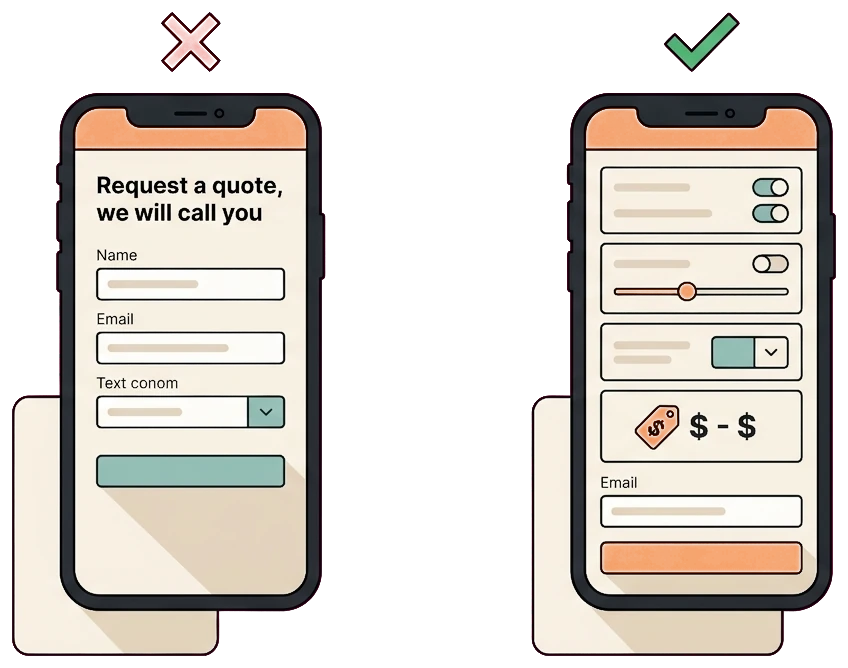
Buyers wanted instant pricing, and this site would not give it to them. The only option was a we-will-call-you form, so the price-shoppers who make up most window and door research bounced straight to competitors who showed numbers. The sales team also burned hours writing quotes for people who were never going to buy at that budget.
We looked at how high-intent visitors moved through the site, and the leak was clear before anyone even reached the form:
- No self-serve pricing anywhere, so price-first visitors left without engaging
- The only call to action was a generic we-will-call-you form
- Prospects who did fill it out were unqualified on budget
- Sales wasted time quoting people who never intended to buy
- Nothing on the page set a price expectation before the call
The Solution
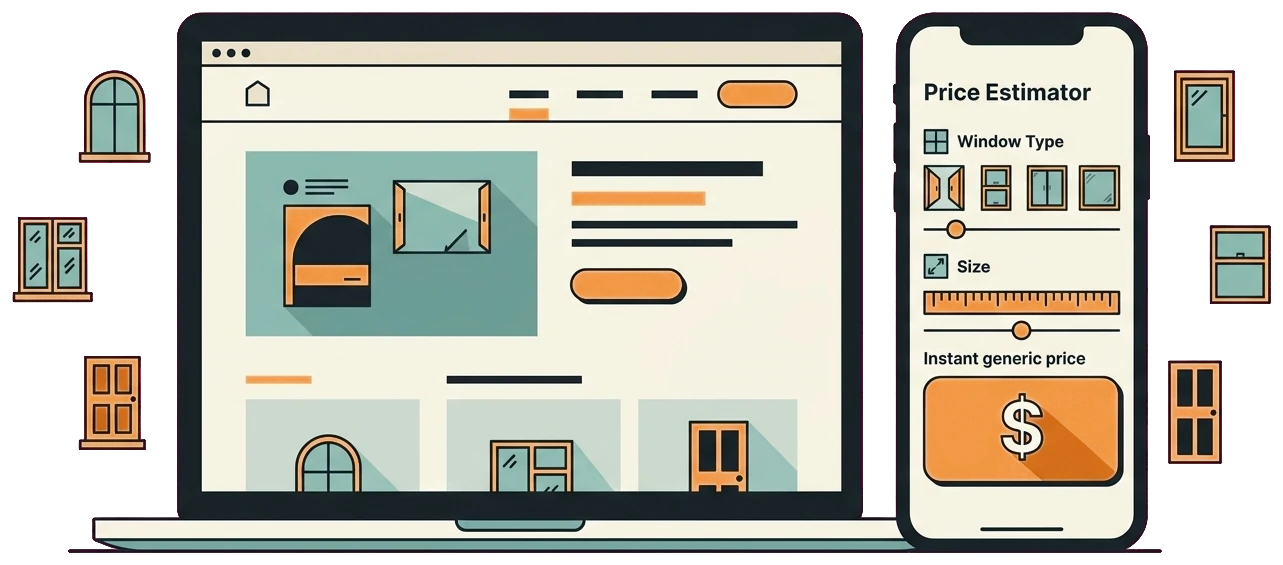
We built an interactive cost estimator that lets visitors configure window type, size, installation, and options to see an instant price range, then captures their details so they can get a detailed quote. It educates, qualifies, and captures in one step, and it plugs straight into the conversion path on the site.
- Configure window type, size, and install options
- An instant price range on every choice
- Self-serve pricing that answers the money question
- A short capture step for the detailed quote
- Budget expectations set before sales ever calls
- Captured leads routed straight into the CRM
- Educational copy that builds confidence as they configure
- GA4 events on every interaction to see what converts

Answer the price question on the spot
Every window and door buyer starts with the same question: roughly what will this cost. The old site made them call to find out, so most of them called someone else instead. The estimator answers that question the moment they ask it.
- Self-serve planning range: visitors choose window type, size, and installation options to see an estimate with stated assumptions before deciding whether to request a detailed quote.
- Educates while it prices: as people configure, the tool explains the choices, so they arrive at the range understanding what drives it and feeling more confident.
- Budget context: prospects see a planning range before the form, helping sales distinguish basic price research from buyers whose expectations fit the available options.
- Keeps them on the page: playing with the configurator is engaging, and that is a big reason time on site climbed about 90 percent.
Turn the estimate into a captured, qualified lead
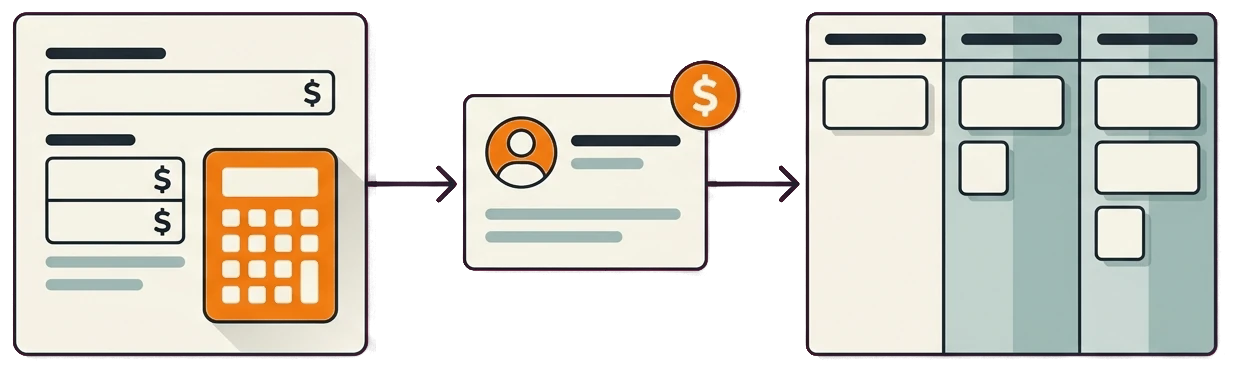
A price range on its own is just a number. We wired the estimator to capture contact details and push each lead, with its exact configuration, straight into the CRM so sales could pick it up warm. It doubles as a lead-capture engine, not just a calculator.
- One-step capture: after seeing the range, visitors leave their details to receive a detailed quote, so interest converts into a real lead in a single move.
- Config travels with the lead: the window type, size, and options a prospect chose land in the CRM, so the sales team already knows what they want before the first call.
- CRM integration: every lead flows automatically into the pipeline with no manual re-entry, so nothing gets lost between the tool and follow-up.
- Measured path: GA4 events recorded estimator steps and lead submissions by available source data, while CRM outcomes were used to evaluate later lead quality.
How We Did It
01. Map pricing logic
We mapped the real pricing model for window type, size, installation, and options so the estimator returns ranges the sales team can stand behind.
02. Design the tool
A clean calculator UX that makes configuring options feel easy and shows the price range update live as people choose.
03. Build lead capture
A short capture step after the estimate collects contact details in exchange for a detailed quote.
04. Wire up the CRM
CRM integration pushes every lead and its exact configuration into the pipeline automatically.
05. Track and iterate
GA4 event tracking on each interaction, then ongoing iteration on the flow to lift completion and lead quality.
The Results
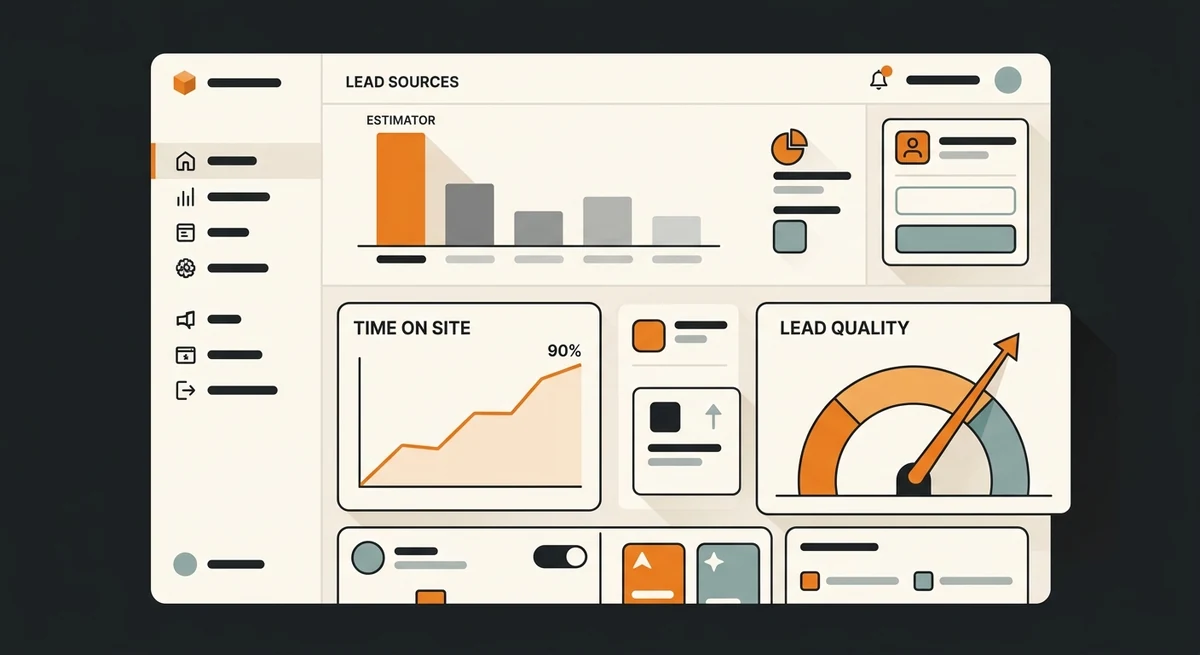
The estimator quickly became one of the company’s top lead sources. Just as important, lead quality went up because prospects arrived with their budget expectations already set, which lifted the quote-to-close rate. Time on site climbed about 90 percent as visitors engaged with the tool.
| Estimator lead volume | Top lead source |
| Lead quality | Up |
| Quote-to-close rate | Improved |
| Time on site | +90% |
| Build time | 3 to 5 Weeks |
Services & tools used: Custom calculator build, lead capture, CRM integration, and GA4 event tracking.
custom toolsThe estimator qualified expectations before sales followed up
The tool was useful because it gave a defensible range, stated its assumptions, and connected calculator behaviour to later lead and CRM outcomes.
- Keep product, labour, and option rules current.
- State what the estimate includes and what requires an on-site quote.
- Compare completed estimates with qualified leads and closed installations.

Frequently Asked Questions
How we measured estimator engagement and lead quality
Calculator events connected to lead outcomes
GA4 events were configured for estimator interactions, progress, completion, and lead submission. Those events were reviewed with CRM lead quality, quote-to-close observations, and time on site so calculator use could be connected to an actual sales path instead of counted as a novelty click.
How to read the estimator result
The tool became a top lead source and time on site rose 90% for this implementation. Results depend on pricing logic, traffic quality, product options, estimate accuracy, lead capture, CRM follow-up, and the market. An estimate prepares a buyer, but it does not guarantee a quote or closed installation.
Editorial review: Gilmedia strategy team. First published August 19, 2026.
Primary references
Related Gilmedia services
Losing buyers who just want a price?
We will show you how an instant estimator can answer the money question and capture the lead in one step. Turn price-shoppers into qualified inquiries.
Book a free consultationNo obligation. A 15-minute call and a clear action plan.
Services in this project: Website Design · Conversion Rate Optimization